📦 What is UMBOX?
UMBOX is a powerful home server system built on Slackware Linux. It provides file sharing, web hosting, FTP access, and thin client booting over wired LAN, with optional WiFi and Arduino-powered motherboard integration.
⚙️ Core Technologies

Slackware Linux

Samba File Sharing

NGINX Web Server

FTP Server
🔌 Hardware Setup

Arduino Motherboard
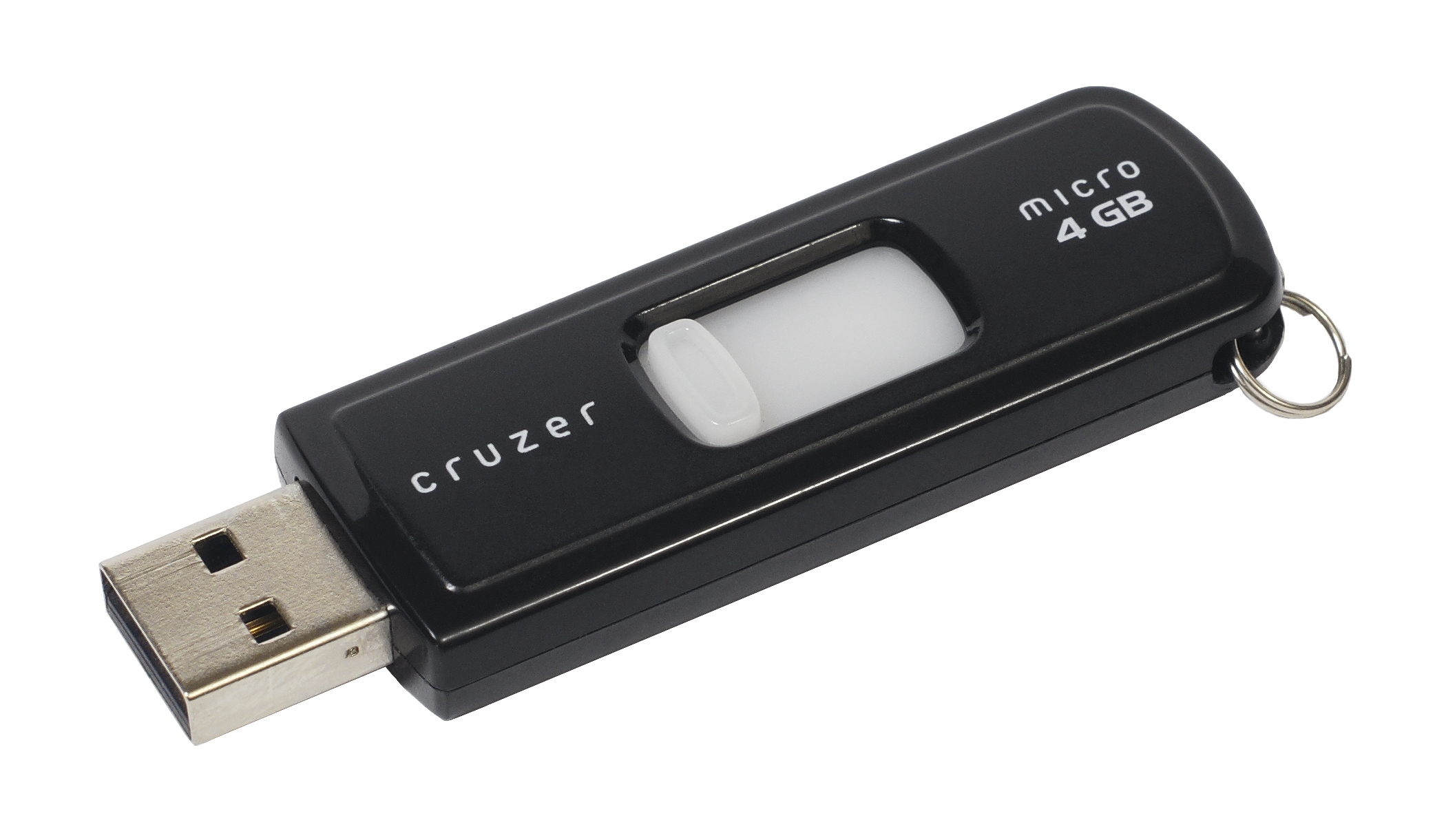
USB Ports & Flash Drives
WiFi Connectivity
LAN Boot (Thin Clients)
🛠️ HOWTO Build UMBOX
- Install Slackware Linux on your server machine.
- Configure Samba for network file sharing.
- Install and run NGINX for web hosting.
- Set up FTP server for remote file access.
- Enable PXE boot for thin clients via LAN.
- Connect Arduino motherboard for hardware control.
- Attach USB drives and flash storage expansion.
- Configure WiFi for hybrid network access.